


Sound Format
The swiftlet sound format is available in MP3 and WAV, with clear and crisp audio quality. MP3 is more commonly used, while WAV offers a higher sound quality and is suitable for professional use.
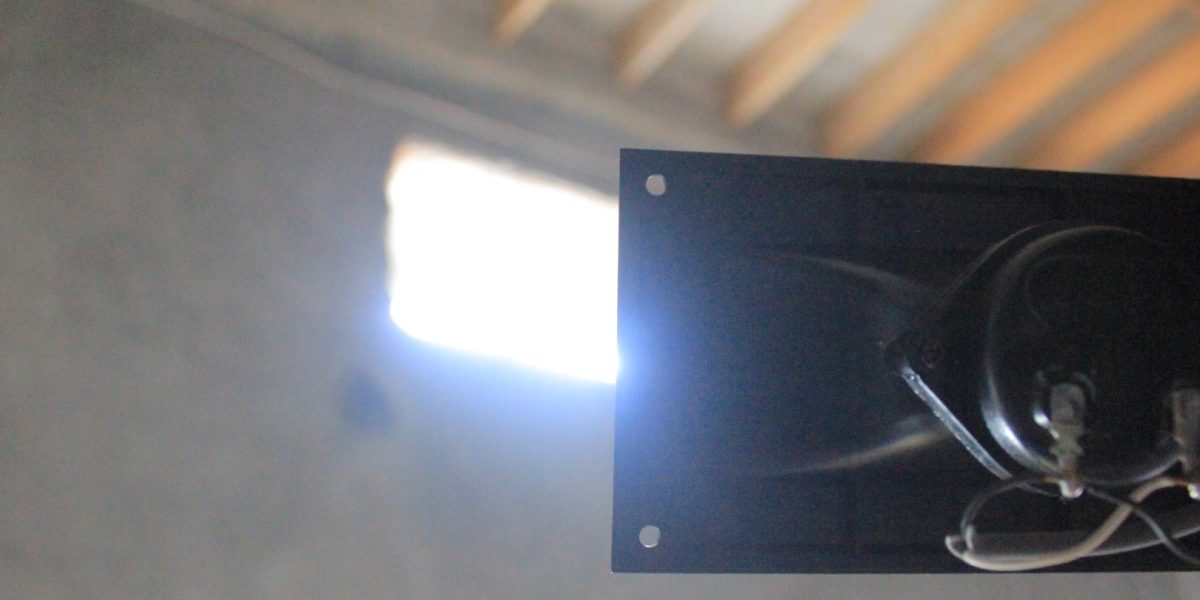
Swiftlet Sound Format by Markas Walet
What is Swiftlet Sound Format?
The swiftlet sound format in the form of MP3 and WAV is one of the options available for recording and playing the sound of a swiftlet calling or the sound of a swiftlet staying. The MP3 format has the advantage of a smaller file size and wider compatibility with electronic devices, such as smartphones and laptops. However, this format has slightly lower audio quality compared to the WAV format. While the WAV format has higher audio quality and is more accurate, it has a larger file size and is limited in compatibility with some devices. Therefore, in choosing the right swallow sound format, it is necessary to consider the needs and availability of devices used to record and play sound.
Sound Format
MP3
MPEG Layer 3 or MP3 is a compressed audio format with almost the same quality as an audio CD with stereo 2.1 configuration. The main advantage of MP3 is the small file size, so that more audio can be stored in one file. This format is widely used for swiftlet sound audio files so that more files can be produced.
Sound Format
WAV
Waveform Audio Format or WAV is an uncompressed raw audio format developed by Microsoft and IBM. Usually used for music recording and film scoring. WAV is easy to edit and has thick audio quality, and supports multi-layer recording and is used in Digital Audio Workstation (DAW) and Non-Linear Editing (NLE) applications.
Swiftlet Sounds
Met with our field team shortly after installing a voice call at one of the swiftlet cultivation buildings.